Peach Guides How to install Claude Code, from zero
How to install Claude Code, from zero
Claude Code is Anthropic's coding agent. It runs in a terminal window, reads and writes files in a folder you point it at, runs commands, and explains what it did. You do not need to be a programmer to start — you need a terminal, a paid Claude plan, and about ten minutes. Every screenshot below is a real screen, taken while writing this page.
Open a terminal
Applications › Utilities › Terminal
On a Mac, press ⌘Space, type Terminal and press Enter. On Windows, install WSL first and open an Ubuntu window. On Linux, any terminal will do. A terminal is just a window where you type commands instead of clicking.
Install Claude Code
curl -fsSL https://claude.ai/install.sh | bash
Paste that line, press Enter, wait. On a Mac you can also use Homebrew: brew install --cask claude-code. Either way it installs a single command called claude.
Check it landed
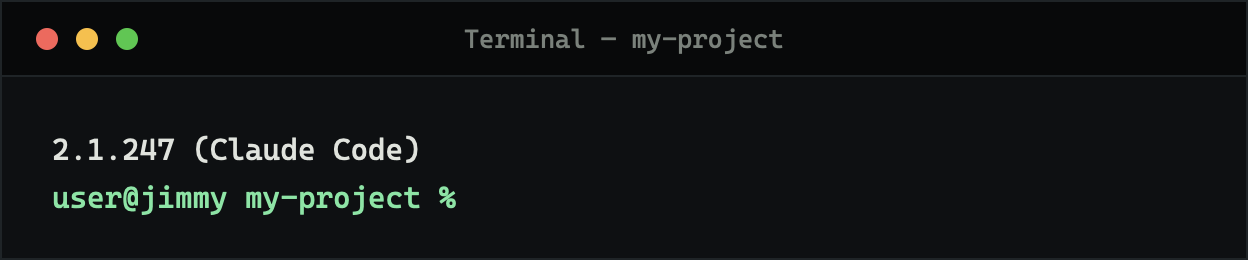
claude --version
If the command is not found, close the terminal and open a new one — the path is read when a window opens. If it still fails, run claude doctor and it will tell you what is missing.
Go to your project and start
cd ~/Documents/my-project
claude
Claude Code works inside whatever folder you started it in. Start it in the project you are working on, not in your home folder. The first run opens a browser so you can sign in.
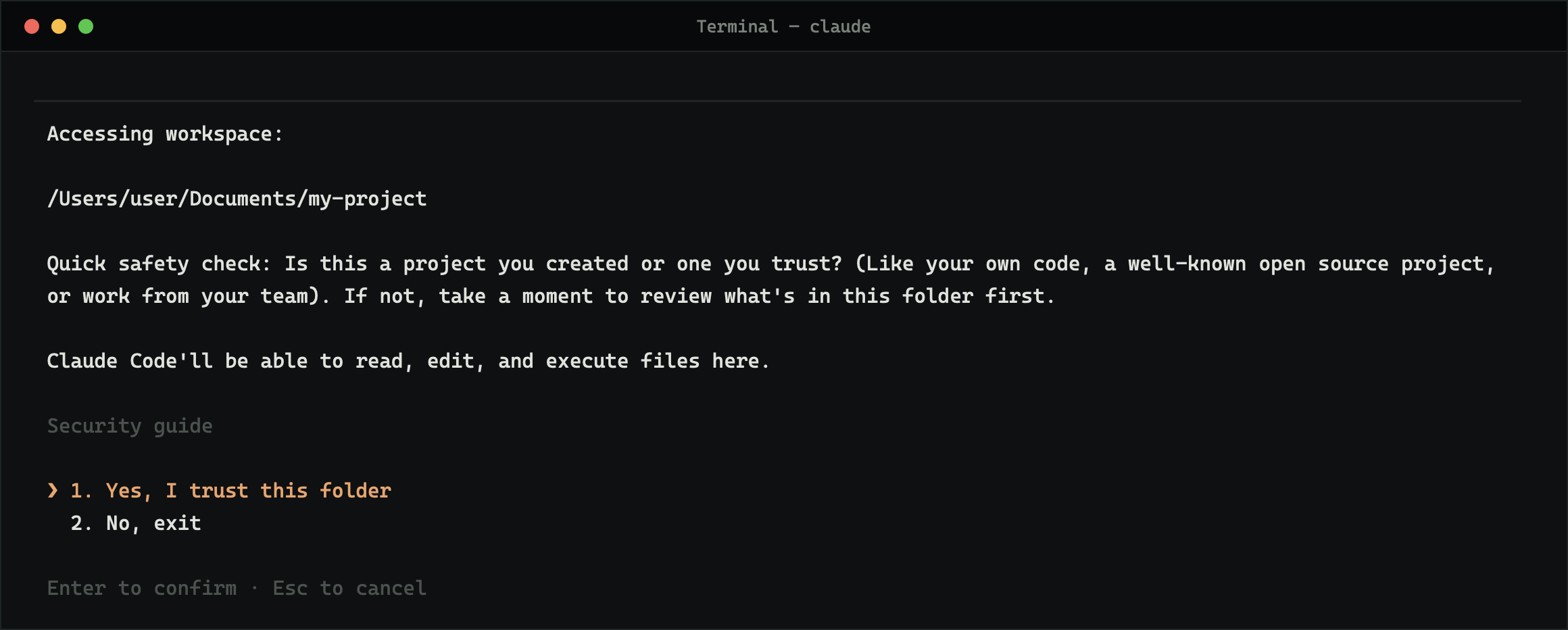
Answer the safety check
Claude Code asks whether you trust the folder before it reads anything in it. For a project you created or a repository you know, choose 1. If someone sent you the folder, look inside it first.
You are in
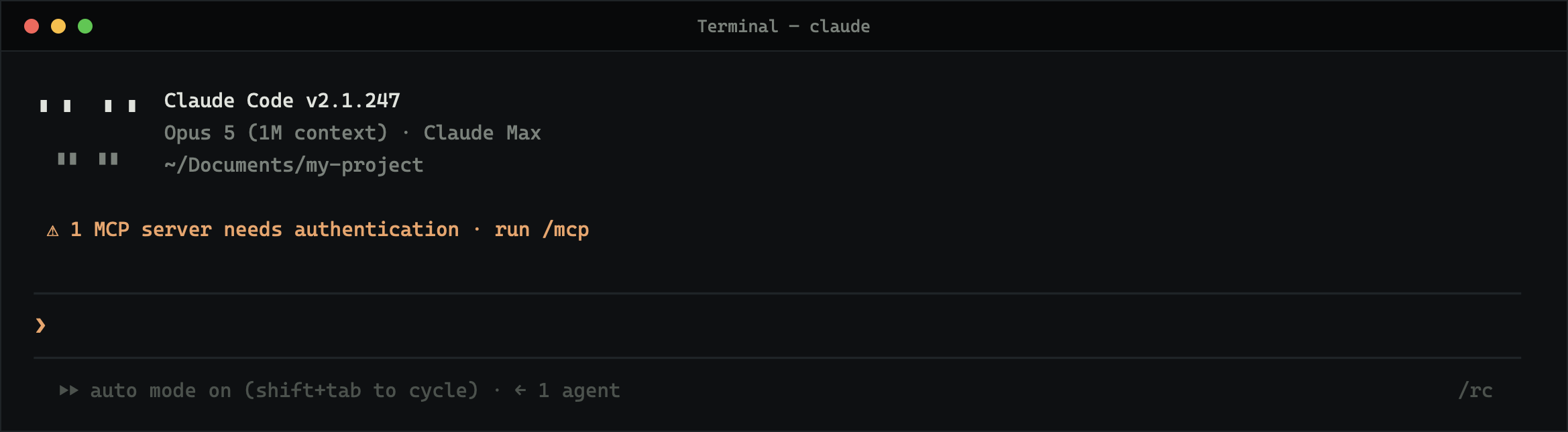
The prompt is waiting. Type in plain language — English, Hebrew, anything — and press Enter. Claude Code requires a Pro, Max, Team, Enterprise or Console plan; the free Claude.ai plan does not include it.
Take the built-in tutorial
/powerup
Typed inside a session, this runs a short interactive tutorial. It is the fastest introduction there is, and most people never find it.
Give the project a memory
/init
This writes a CLAUDE.md file in the folder — a short document describing what the project is and how you like things done. Claude reads it at the start of every session, so you stop repeating yourself.
Claude Code needs macOS 13 or later, a modern Linux, or Windows with WSL.
Every session on one screen
Peach is a free Mac window for Claude Code. Every session in one rack, reply without hunting for the terminal, answer a session's question in one click, and search everything you have ever said.
Download Peach