Peach Guides Claude Code for developers
Claude Code for developers
If you already live in a terminal, these are the parts worth knowing on the first day rather than the thirtieth.
Modes
shift + tab
Cycles manual, auto-accept edits, and plan mode. Auto-accept is right for mechanical work in a branch you can throw away; plan mode is right for anything architectural.
Non-interactive runs
claude -p "summarise the diff on this branch"
Print mode runs one prompt and exits, which is what you want from a script, a git hook, or CI. Combine it with a tool allowlist to bound what it may do.
Scoped permissions
claude --allowedTools "Bash(git *)" "Edit"
A list of tools it may use without asking. Everything else still prompts. Persist the same decisions with /permissions.
Extra folders
claude --add-dir ../shared-library
Grants access to a directory outside the working folder — the usual answer to a monorepo or a sibling package.
Sub-agents and background work
/agents
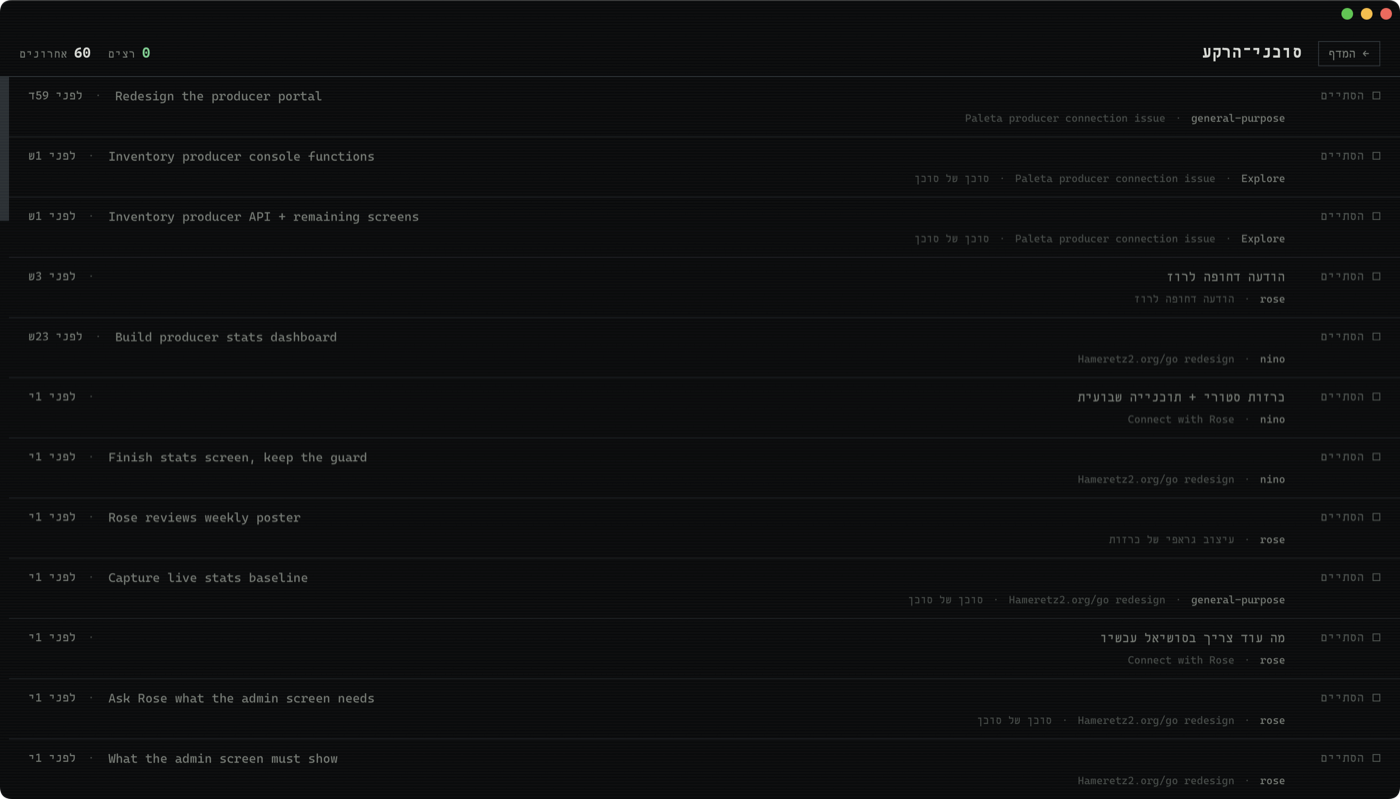
Work can be split across sub-agents that run in parallel with their own context. A session that looks idle with three agents working is not idle — and that is exactly the state a terminal cannot show you.
External tools
/mcp
Model Context Protocol servers connect Claude Code to things outside the filesystem — a database, an issue tracker, a browser. The command lists what is connected and what needs authentication.
Every session on one screen
Peach is a free Mac window for Claude Code. Every session in one rack, reply without hunting for the terminal, answer a session's question in one click, and search everything you have ever said.
Download Peach